
LAND ROVER · SERVICE RECORDS BY VIN
Land Rover Service History Check by VIN
Order a Land Rover service history check by VIN. Review available UK dealer servicing, recorded work and mileage in an emailed PDF.
Estimate: usually within 2 hours. Deadline: 24h after payment confirmation.
YOUR LAND ROVER REPORT
What the available records can show
Record availability varies by vehicle.
Compare the report with invoices.
UK main dealer service dates and mileage
Service types and recorded oil or brake-fluid work
Inspection entries where available
Authorised workshop names and locations where supplied
Land Rover Online Service History, explained
Land Rover calls its digital record Online Service History (OSH). Our VIN-based check focuses on the available UK authorised-dealer servicing record and supplies an individually prepared PDF you can compare with the seller’s invoices and the car’s other documents.
Land Rover UK describes online history for vehicles built from 1 July 2013 that have been seen at an Approved Service Centre. The manufacturer includes pre-delivery inspection, scheduled services, related service items and body inspections. Those are different types of entry, so read the work rather than counting every event as a service.
Land Rover Service History Check by VIN: What’s Included
Maintenance entries and mileage
Available information can show service dates, odometer readings and service types, including oil, brake-fluid or inspection work where recorded. Check whether the entry supports the particular maintenance claimed in an advert; a workshop visit alone does not confirm every scheduled task.
Workshop identity and supporting documents
Authorised workshop names and locations, where supplied, can help you compare the record with invoices or make a specific enquiry about a past visit. The PDF concerns documented maintenance. It does not diagnose the vehicle’s present engine, suspension or transmission condition.
How to assess a Land Rover service record
Land Rover Service History Check by VIN: Reading the Record
Start by identifying the event. A pre-delivery inspection, body inspection and oil service answer different questions. Look for the recorded task relevant to the seller’s claim, then request an invoice if the entry does not describe it clearly enough.
Arrange readings by date and keep miles and kilometres labelled. Compare them with invoices, MOT observations and the current odometer using the same unit. A reading can raise a question worth investigating without guaranteeing lifetime mileage. Our MOT and service-history comparison explains the difference between those sources.
The examples below use fictional teaching data. They are not a genuine Land Rover report or maintenance records for the illustrated Evoque.
Illustrative examples. The dates, readings and work below are fictional teaching data. These graphics are not extracts from a Land Rover report and do not show records for a real vehicle.
Comparing dates, miles and kilometres
 Enlarge example ↗
The example pairs 15 March 2023 with 24,180 miles (about 38,914 km), 22 September 2024 with 37,420 miles (about 60,222 km), and 8 May 2025 with 51,860 miles (about 83,461 km). Confirm the original unit, then compare the chronological entries with invoices. A reading is not a guarantee of lifetime mileage.
Understanding the recorded work
 Enlarge example ↗
An engine oil service, a brake fluid service and a vehicle inspection describe different work. One entry does not confirm that every scheduled task was completed. Check the wording and outcome against invoices and the full source report.
Range Rover, Discovery and Defender coverage
The offer includes Range Rover, Range Rover Sport, Evoque, Discovery, Discovery Sport and newer Defender enquiries where relevant UK dealer records are available. Build date, VIN and actual recorded servicing determine availability. A model name alone does not establish a complete digital timeline.
Retain the paper service book and invoices for earlier vehicles and earlier work. Independent or overseas servicing may need separate documents. Use our missing-history checklist to request the workshop, date and evidence of work for an unexplained period. A history report supports that enquiry; present mechanical condition requires a separate assessment.
How to order, price and delivery
- Check the 17-character VIN on the vehicle against its registration document.
- Enter that VIN in the field above and add the Land Rover report to your basket.
- Confirm the identifier and your email address at checkout, then complete payment.
- Receive the individually prepared PDF by email.
The price for one vehicle is £19.00, as shown in the purchase summary. You are buying one report for the VIN supplied.
Estimated delivery: usually within 2 hours. Reports are individually prepared; the Terms and Conditions provide for delivery within 24 hours of payment confirmation. Timing depends on record availability and the external systems used.
THE RECORDS EXPLAINED
Find the VIN. Match the same vehicle.
Compare the full identifier on the vehicle with its documents before requesting records. Locations vary: check the handbook for the particular car.
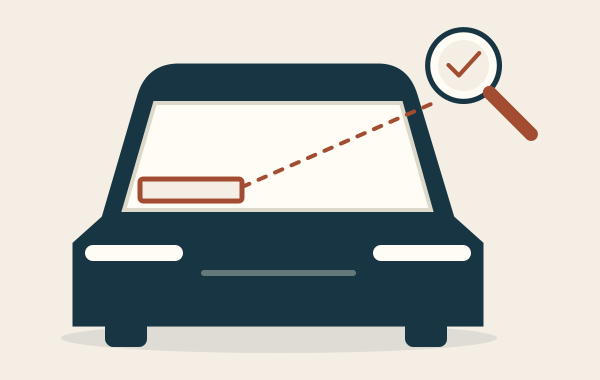
Look at the vehicle
Many cars display the VIN at the base of the windscreen. Read it from the vehicle rather than relying only on the advert.

Check another location
Where accessible, compare another manufacturer-marked location, such as a body plate. Use the handbook to find it.

Compare the V5C
Match the full VIN on the vehicle to the V5C registration document. Investigate a mismatch before proceeding.
The document drawing is an unbranded outline, not a V5C facsimile. A registration number identifies the registration; it is not the VIN.
If no service history is available
If our search finds no service history information for your VIN, you are eligible for a full refund. Email info@vinhistory.co.uk within 14 days with your order number and VIN. A delivered report containing verifiable history is subject to the refund policy.
For a PDF that will not open or a delivery question, contact us with the order number. Read the delivery information before ordering.
Who supplies your Land Rover report?
VinHistory.co.uk is operated by Ohia Expert and is an independent service. Manufacturer records are the data used for the report; this does not make VinHistory a Land Rover dealership or imply a manufacturer partnership.
Review any customer feedback displayed with the product and the operator’s contact details before ordering. Our terms explain the seller, fulfilment and order conditions.
BEFORE YOU ORDER
Your questions,
answered.
Which build date does Land Rover give for Online Service History?
Land Rover UK identifies vehicles built from 1 July 2013 that have been seen at an Approved Service Centre. Earlier vehicles and earlier work may need paper records and direct workshop enquiries.
Does a pre-delivery or body inspection count as an oil service?
These are different types of event. Read the recorded work and supporting invoice before counting an entry as completed oil servicing or another scheduled maintenance task.
Does this report diagnose current Range Rover or Land Rover faults?
No. It supplies available recorded maintenance information. Assessing present mechanical condition requires a separate inspection; a historical entry does not diagnose a current fault.
Where do I enter the VIN?
Enter the 17-character VIN on this product page before adding the report to your basket, then confirm it at checkout. Check it against the car and its registration document before paying.
What happens if no service history is found?
You are eligible for a full refund if no service history information is found for your VIN. Email info@vinhistory.co.uk within 14 days with your order number and VIN. Delivered reports containing verifiable history are subject to the refund policy.
GO A LITTLE DEEPER
Helpful reading.
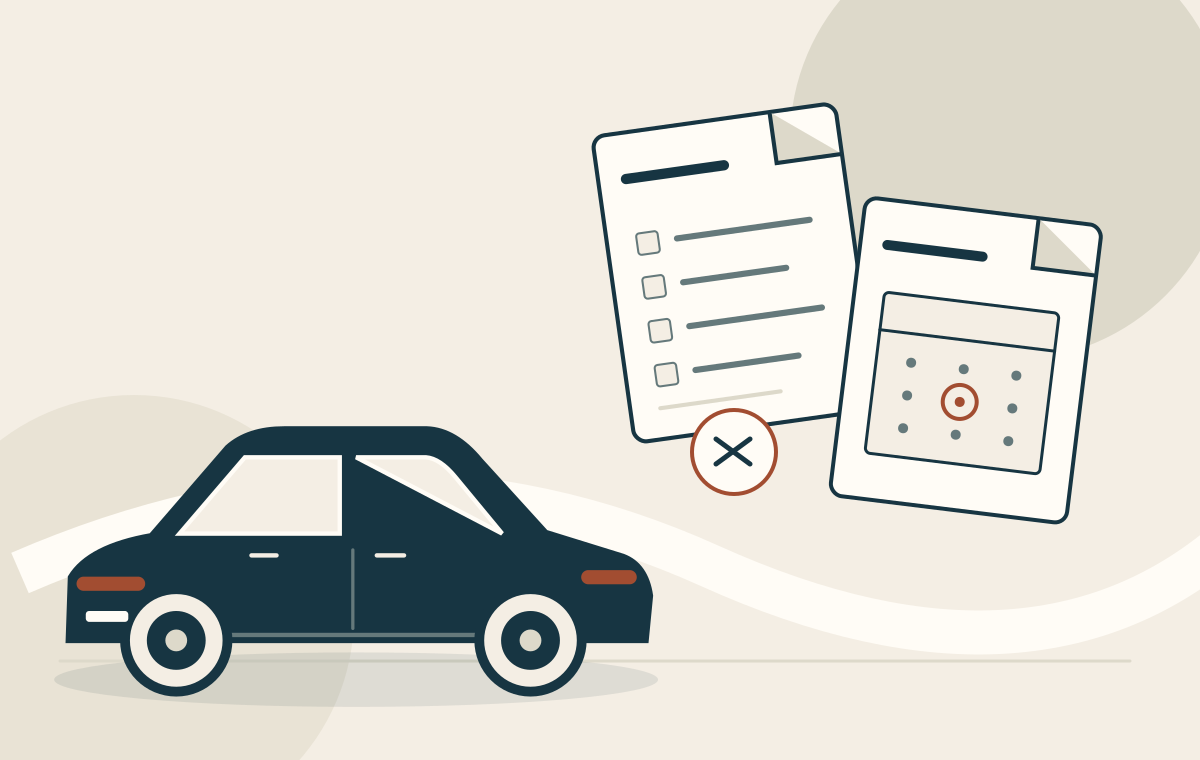
MOT History vs Service History: Tests and Maintenance
An MOT record concerns statutory tests; service documents concern maintenance and workshop work. Read both timelines, but do not use one as a substitute for…
Read the guide ↗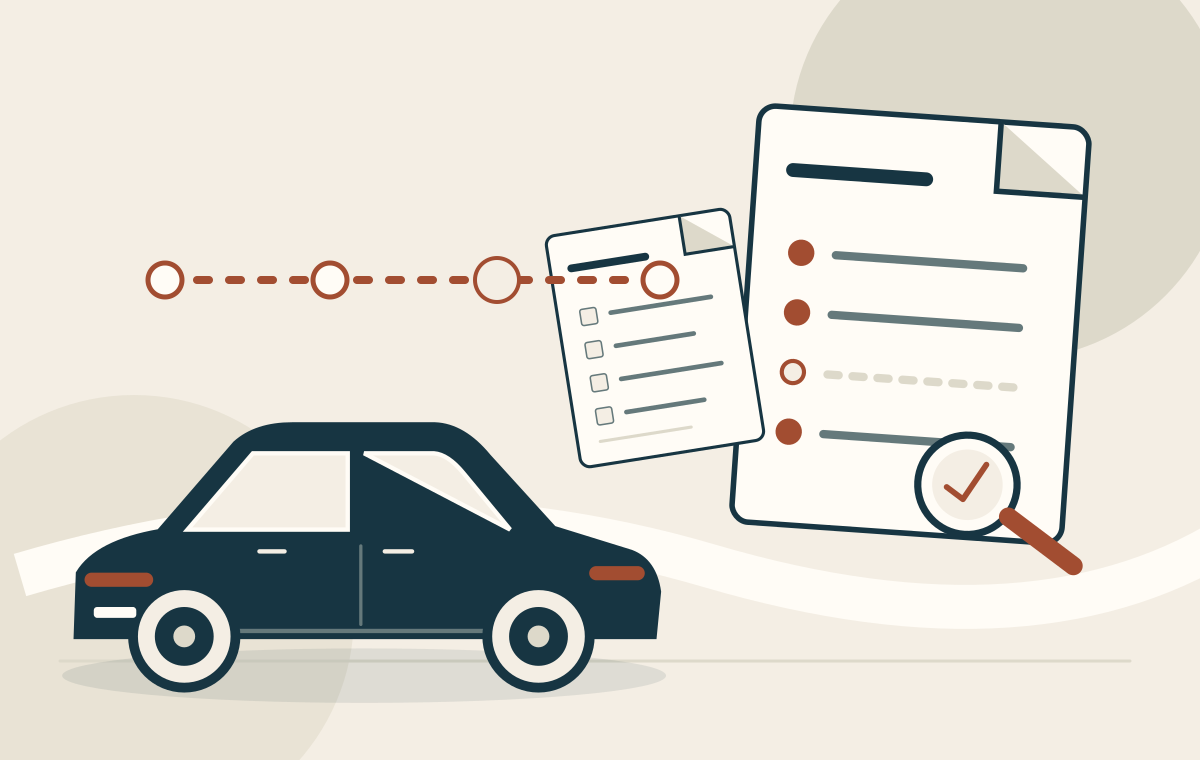
Missing Service History: Recovering the Evidence
Recovering missing service history starts with identifying the absent evidence. Ask for a particular document or visit rather than promising that one database can restore…
Read the guide ↗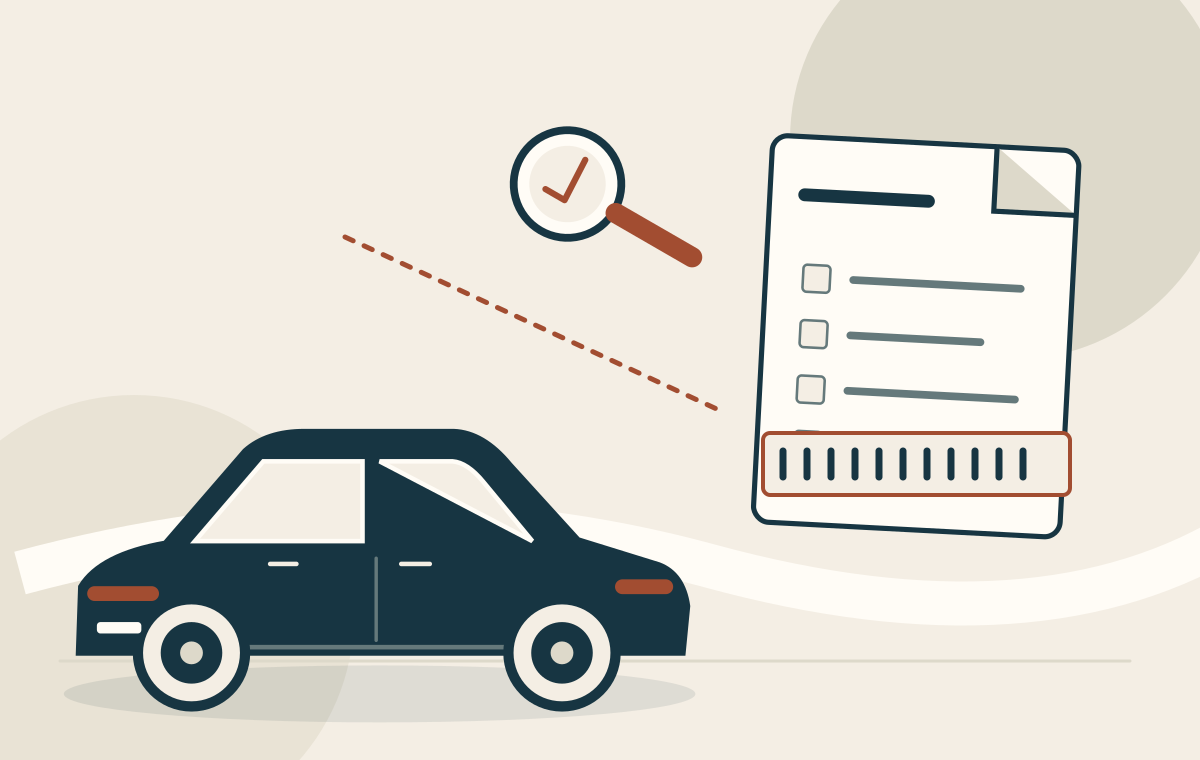
Finding the VIN and Matching It to the V5C
Before comparing service documents, establish that they refer to the vehicle in front of you. Locate the VIN using the handbook and compare the identifier…
Read the guide ↗CUSTOMER REVIEWS
Land Rover report reviews
No reviews yet. Share your experience of this report.
Your review may be checked before publication.
READY FOR A CLEARER PICTURE?
Write a review